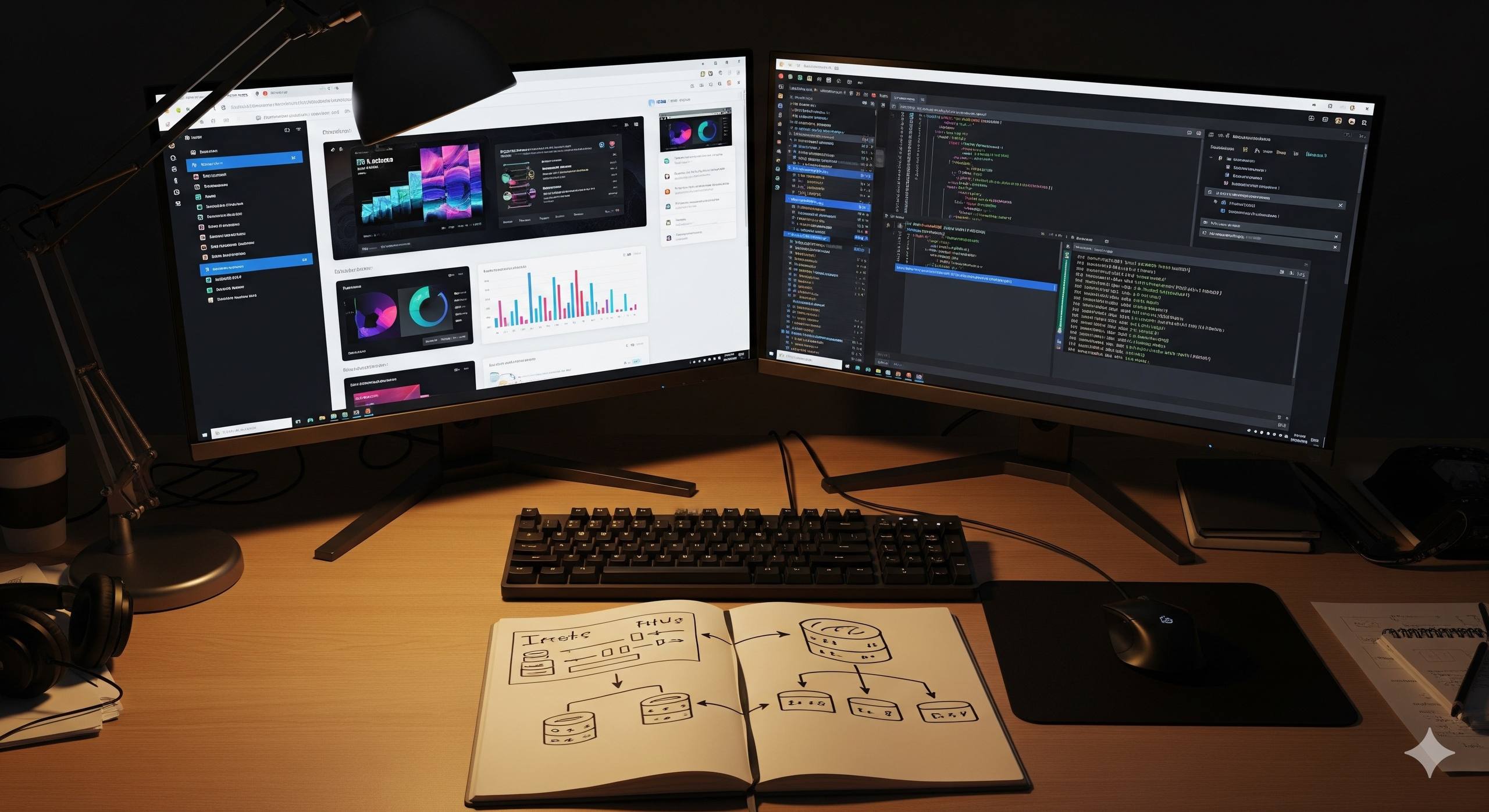
Beginner's Full-Stack Web Development Course

Beginner's Full-Stack Web Development Course

Gain essential full-stack skills across 10 in-depth chapters.
Free
Sign in to access

1

Chapter 1: Introduction to the Web

1. How the Internet Works

Learn what happens behind the scenes when you visit a website, from DNS lookups to HTTP requests.

2. Web Browsers and Rendering

Learn how browsers render web pages, the roles of HTML, CSS, and JavaScript, and the basics of the DOM.

3. Static vs. Dynamic Websites

Learn the key differences between static and dynamic websites and when to use each.

4. Development Tools

Get to know the essential tools of the trade for any web developer.

5. First Web Page

Let's get hands-on and build your very first web page from scratch.

2

Chapter 2: Local Development vs. Server Deployment

1. Local Development Environment

Learn how to set up a safe and efficient development environment on your own computer to build and test applications.

2. Server/Production Environments

Learn about the live production environment where your application serves real users, and the servers that power it.

3. Differences Between Local and Production

Explore the critical differences between your local machine and a live production server, from performance to security.

4. Role of APIs and Routing

Learn how APIs and routing work together to connect clients to the right server-side logic and data.

5. From Local to Production

Learn about the process of deployment, moving your code from your local machine to a live production server.

3

Chapter 3: Web Servers & Traffic Management

1. Introduction to Web Servers

Learn the basics of web servers, their core functions, the request-response cycle, and a comparison of Nginx and Apache.

2. Installing and Configuring Nginx

A hands-on guide to installing Nginx and configuring it to serve static content and act as a reverse proxy for your applications.

3. Security & Encryption

Learn how to secure your web server with HTTPS and TLS, and how to get free certificates from Let's Encrypt to build a more secure web.

4. Traffic Flow in a Web Application

Follow the journey of a web request as it travels from the client, through a reverse proxy, to the application server and back again.

5. Hands-On: Deploying a Static Page with Nginx

Put your Nginx knowledge to the test by deploying a simple static webpage. This hands-on exercise will solidify your understanding.

4

Chapter 4: Building Web Applications with Node.js

1. What is Node.js and npm?

Get introduced to the core concepts of Node.js, its event-driven architecture, and its powerful package manager, npm.

2. Your First Node.js Server

Learn how to create a web server from the ground up using Node.js and its built-in `http` module, gaining invaluable insight into how web applications work.

3. The Express.js Framework

Learn the fundamentals of the Express.js framework, the de facto standard for Node.js, including routing and middleware, to build powerful web applications.

4. Templating with Handlebars

Learn how to use the Handlebars templating engine to create dynamic, reusable, and maintainable server-rendered HTML for your Node.js application.

5. Hands-On: Building a Simple Website with Express & Handlebars

Put your Node.js, Express, and Handlebars skills to the test by building a simple, dynamic website from scratch.

5

Chapter 5: Working with Databases (MongoDB)

1. What is a Database?

Learn the fundamentals of databases, including the differences between SQL and NoSQL, and get an introduction to MongoDB.

2. Setting Up MongoDB

Learn how to set up a MongoDB database, either by installing it locally or by using a cloud service.

3. CRUD Operations

Master the four fundamental data operations—Create, Read, Update, and Delete (CRUD)—in MongoDB.

4. Connecting Node.js to MongoDB

Learn how to connect your Node.js application to a MongoDB database using the native driver or the Mongoose library.

5. Hands-On: Building a Blog Backend

Put your database skills to the test by building the backend for a blog application with Node.js, Express, and MongoDB.

6

Chapter 6: APIs & Data Communication

1. What is an API?

Get a clear and concise definition of what an API is and learn about the different types and contexts of APIs.

2. JSON as a Data Format

Learn why JSON is the standard data format for modern APIs and how it compares to XML.

3. REST API Concepts

Learn the fundamental principles of RESTful API design, including resources, endpoints, verbs, and the mapping to CRUD operations.

4. Building a REST API with Express

Learn how to build a REST API with Express.js, including how to structure your application and send JSON responses.

5. Hands-On: CRUD API for Blog Posts

Build a complete CRUD API for a blog from scratch using Node.js, Express, and MongoDB.

7

Chapter 7: Modern Frontend Development with Vue.js

1. Single-Page Applications (SPAs)

Learn what a Single-Page Application (SPA) is, how it differs from a traditional website, and the pros and cons of this popular architectural pattern. This is a foundational concept for any modern web developer.

2. Getting Started with Vue

Learn how to set up a new Vue.js project and master the basics of its component-based architecture.

3. State Management

Learn how to manage the state of your Vue.js application with state management libraries like Vuex and Pinia.

4. Routing in Vue

Learn how to add routing to your Vue.js application with Vue Router to create a multi-view Single-Page Application.

5. Hands-On: Admin Dashboard with Vue & a REST API

Build a complete admin dashboard with Vue.js, including components, state management, routing, and API integration.

8

Chapter 8: Integration of Frontend and Backend

1. Connecting Vue to REST APIs

Learn how to connect your Vue.js application to a REST API using the Fetch API or Axios, and how to handle asynchronous data and errors.

2. Authentication Basics

Learn the fundamentals of web authentication, including sessions, JWTs, and how to implement a basic login system.

3. Form Handling

Learn how to handle forms in a full-stack application, including sending data, validation, and error feedback.

4. Hands-On: Blog with Admin Dashboard

Build a complete full-stack blog application with a Vue.js admin dashboard and a Node.js backend.

5. Deployment with Nginx as Reverse Proxy

Learn how to deploy your full-stack application using Nginx as a reverse proxy.

9

Chapter 9: Infrastructure & Deployment

1. Introduction to Infrastructure

Get an introduction to the world of infrastructure, from traditional on-premises hosting to modern cloud computing.

2. Hyperscalers & Cloud Providers

Get to know the major cloud providers and learn about the fundamental concepts of cloud architecture.

3. Software-as-a-Service (SaaS)

Learn what Software-as-a-Service (SaaS) is and how you can use it to build applications faster and more efficiently.

4. Deployment Workflows

Learn about the different workflows for deploying your applications, from manual methods to automated CI/CD pipelines and Docker.

10

Chapter 10: Modern Software Architecture

1. Monolith vs. Microservices

Learn the difference between monolithic and microservices architectures and the pros and cons of each.

2. API Gateways and Service Mesh

Learn how API gateways and service meshes can help you to manage the communication in a microservices architecture.

3. Event-Driven Architectures

Learn how event-driven architecture can be used to build scalable, resilient, and loosely coupled systems.

4. Scaling Applications

Learn how to scale your applications to handle increasing traffic, including the concepts of horizontal and vertical scaling and the role of load balancers.